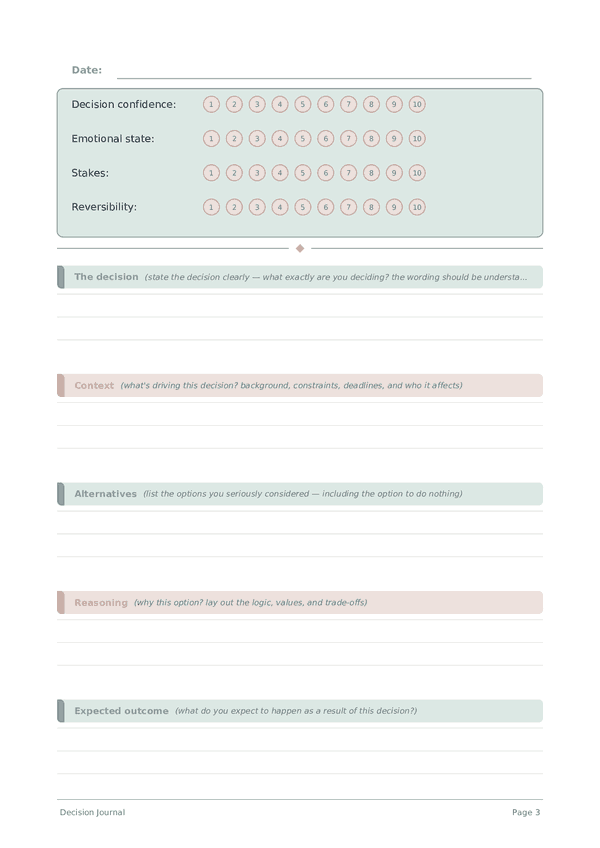
Printable Time Management Journal
Track tasks, time, and energy to reclaim your day
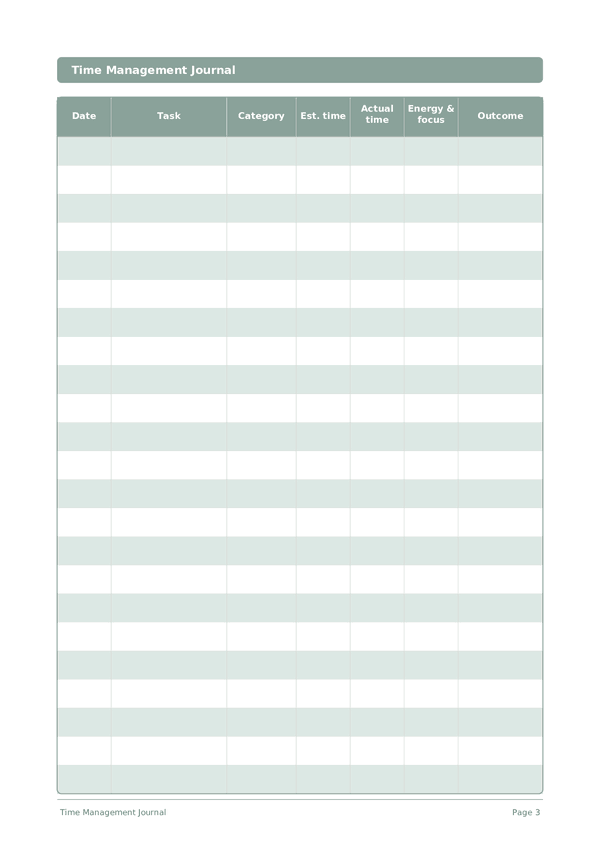
A structured time log for recording what you work on, how long it takes, and how focused you feel. By tracking estimated vs. actual duration and energy levels, you reveal where your time really goes — and when you do your best work.
Customize fields
Toggle fields on or off. Click the pencil to rename, or add your own fields.
Benefits
How to Use
What is this journal?
A time management journal is a structured log for tracking how you actually spend your time versus how you plan to. By recording tasks alongside their estimated and actual durations, energy required, and outcomes, you develop an increasingly accurate understanding of where your time really goes.
This journal is for anyone who feels like the day disappears without enough to show for it. It is especially powerful for freelancers, remote workers, students, and anyone whose time is self-directed. The gap between how we think we spend time and how we actually spend it is typically 30-50% — this journal closes that gap.
Time perception research reveals that humans are notoriously poor at estimating how long tasks take — a phenomenon called the "planning fallacy." By consistently recording actual durations alongside estimates, you calibrate your internal clock, improve your ability to plan realistic schedules, and identify the time sinks that silently consume your most productive hours.
Filled example
Here's what a typical entry looks like when filled in:
| Date | Task | Category | Est. time | Actual time | Energy & focus | Outcome |
|---|---|---|---|---|---|---|
| 2025-03-04 | Write Q1 strategy document | Deep work | 2 hours | 2h 45m | High energy, peak focus | Completed first draft. Quality exceeded expectations. Best to schedule deep work before 11am. |
| 2025-03-04 | Email triage and responses | Admin | 30 min | 55 min | Low energy needed | Cleared inbox but took longer than expected. 3 emails required research. Batch email at set times. |
| 2025-03-04 | Design mockup review | Collaboration | 1 hour | 1h 20m | Medium energy, attention to detail | Approved 4 of 6 mockups. Remaining 2 need color revisions. Faster in person than async. |
| 2025-03-04 | Team 1-on-1 meeting | Management | 30 min | 45 min | Medium energy, empathetic listening | Productive conversation about career goals. Went over time but worth it. |
| 2025-03-04 | Social media scrolling | Distraction | 0 | 35 min | Zero — mindless | Unplanned. Noticed I reach for phone when transitioning between tasks. Set up app timer. |
How to fill in each field
Each page is a table with columns. Fill in one row per entry. Here's what each column is for:
Date
Write today's date. This anchors your entry in time and helps when reviewing entries later.
Task
Category
Assign a category to this entry (e.g., food, transport, entertainment). Consistent categories make your data easy to analyze.
Est. time
Actual time
Energy & focus
Outcome
What actually happened as a result?
Tips for success
When and how often to write
Log each task as you start and finish it throughout the day \u2014 real-time tracking is far more accurate than end-of-day reconstruction. At the end of the day, review your log and note the gap between estimated and actual time for each task. Weekly, calculate total time spent per category to see where your hours actually go. Monthly, use this data to restructure your schedule, placing high-focus work during your proven peak hours.
You Might Also Like
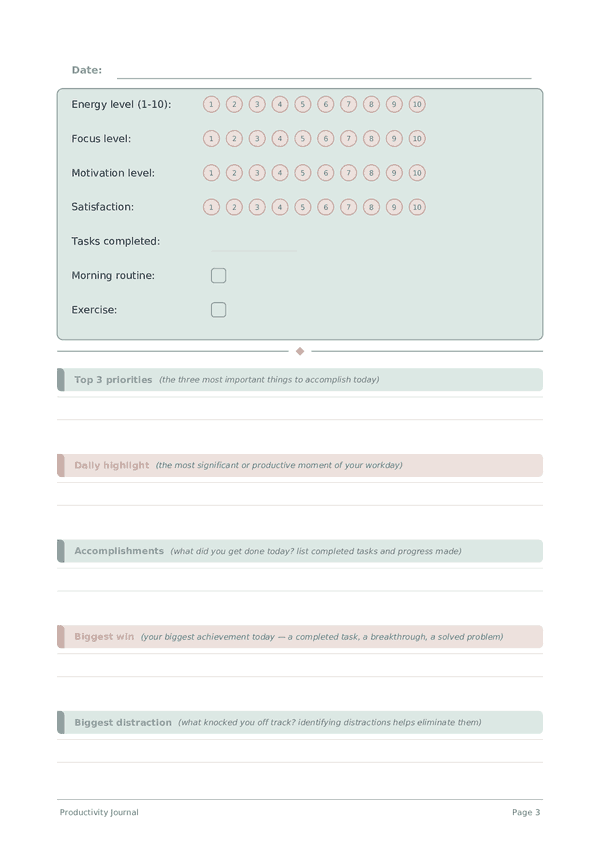
Productivity Journal
Track energy, focus, and daily output to build peak performance habits
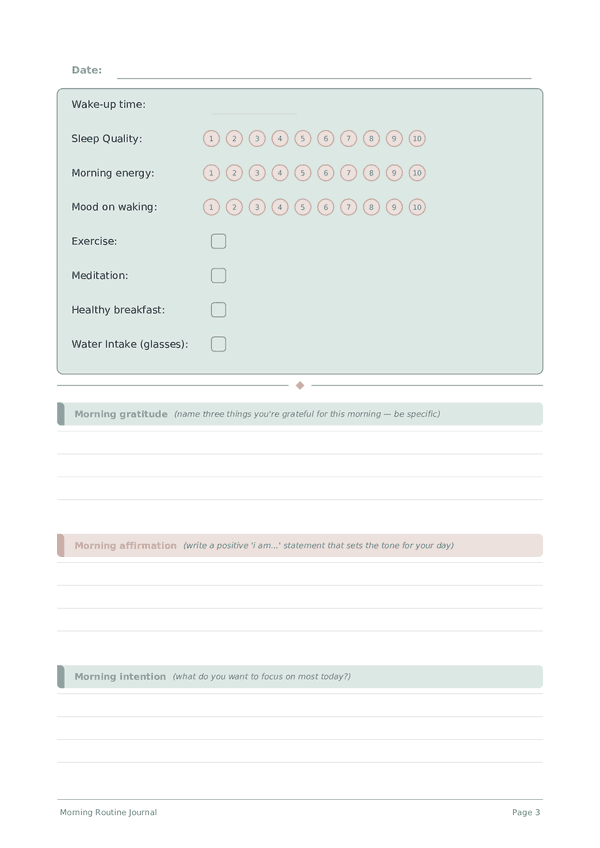
Morning Routine Journal
Start every day with clarity, gratitude, and intention
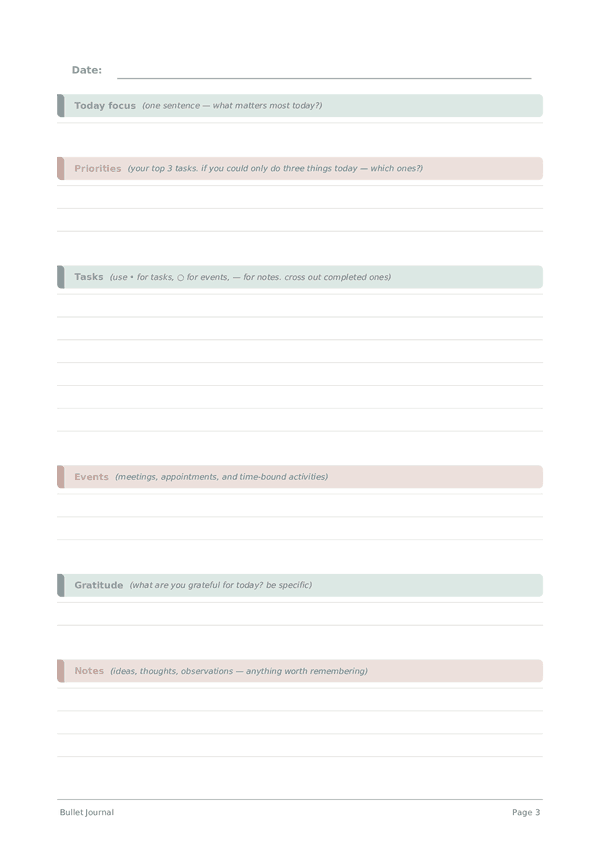
Bullet Journal
Structured daily log for rapid logging
Decision Journal
Think clearly, decide confidently, learn from every choice