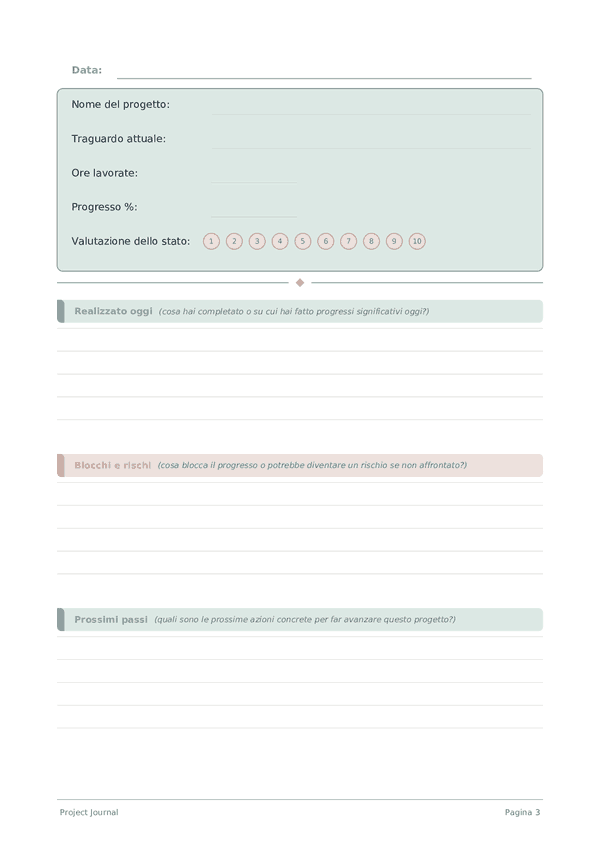
Printable Diario di Progetto
Tracker quotidiano dei progressi di progetto e diario di lavoro
Personalizza campi
Attiva o disattiva i campi. Clicca la matita per rinominare, oppure aggiungi i tuoi campi.
Cos'è questo diario?
Questo è un diario ibrido — ogni pagina combina una sezione di tracciamento rapido in cima con un'area di scrittura a righe in basso. Ciò ti consente di catturare sia dati misurabili che riflessioni in forma libera in un unico posto.
Come compilare ogni campo
La parte superiore di ogni pagina ha campi a compilazione rapida (valutazioni, caselle di controllo, numeri). Sotto c'è una sezione a righe per scrivere. Ecco cosa significa ogni campo:
Nome del progetto
A quale progetto stai lavorando oggi?
Traguardo attuale
Verso quale traguardo o fase stai attualmente lavorando?
Ore lavorate
Quante ore hai lavorato su questo progetto oggi?
Progresso %
Percentuale di completamento complessiva del progetto (0-100)
Valutazione dello stato
Quanto è sano il progetto al momento? (1=critico, 5=nei tempi)
Realizzato oggi
Cosa hai completato o su cui hai fatto progressi significativi oggi?
Blocchi e rischi
Cosa blocca il progresso o potrebbe diventare un rischio se non affrontato?
Prossimi passi
Quali sono le prossime azioni concrete per far avanzare questo progetto?
Decisioni necessarie
Quali decisioni devono essere prese per sbloccare o far avanzare il progetto?
Consigli per il successo
Quando e con quale frequenza scrivere
Compila una pagina al giorno. La parte del tracker richiede meno di un minuto; cerca di farlo a un orario costante. La sezione di scrittura può essere fatta nello stesso momento o riservata quando hai 5 minuti tranquilli. Entrambe le parti insieme ti danno il quadro più completo della tua giornata.
Domande frequenti
Cosa traccia il Project Journal ogni giorno?
Cinque campi nel tracker — nome del progetto (nome progetto), traguardo attuale (milestone corrente), ore lavorate (ore lavorate), progresso % (percentuale di avanzamento, 0-100) e valutazione dello stato (valutazione stato, 0-10) — più cinque righe per realizzato oggi (realizzato oggi), blocchi e rischi (blocchi e rischi), prossimi passi (prossimi passi) e decisioni necessarie (decisioni necessarie). La struttura impone la responsabilità quotidiana e fa emergere i blocchi prima che si trasformino in cascate. Supporta qualsiasi tipo di progetto: software, ricerca, scrittura, artigianato, lanci di business.
Perché annotare le ore lavorate quando potrei semplicemente tracciare le attività completate?
Le ore misurano l'investimento; le attività misurano l'output. Tracciare entrambe rivela i pattern di efficienza — una milestone che richiedeva 40 ore stimate ma ne ha consumate 80 è un segnale di re-stima, non un fallimento personale. Le ricerche sui progetti mostrano costantemente che le persone sottostimano la durata delle attività del 25-50% (la fallacia della pianificazione). Ore lavorate abbinato a progresso % nel corso delle settimane calibra onestamente le tue stime.
Come uso progresso % in modo realistico?
Stima rispetto alla portata totale della milestone, non rispetto alla tua sensazione di sforzo. La classica trappola dei progetti è il pattern «90% fatto per l'ultimo 30% del tempo». Sii conservativo/a — chiama il 60% piuttosto che il 75% quando sei incerto/a. Rivedere la stima di ieri rispetto alla realtà di oggi è un ciclo di feedback che migliora l'accuratezza più rapidamente di qualsiasi metodo di pianificazione, e richiede 30 secondi.
Cosa va nella sezione blocchi e rischi?
Ostacoli concreti (in attesa di input, strumento mancante, decisione irrisolta) più rischi non ancora bloccanti ma probabili (scadenza imminente, incertezza sulle dipendenze). Nominare un blocco per iscritto lo trasforma da rumore ansioso in background in un elemento azionabile — spesso un messaggio veloce, una decisione o un'escalation. I blocchi non emersi causano ritardi nei progetti molto maggiori del lavoro stesso.
In cosa si differenzia decisioni necessarie da prossimi passi?
Prossimi passi sono azioni che puoi intraprendere da solo/a domani. Decisioni necessarie sono scelte che richiedono un input — da te stesso/a dopo una notte di riposo, da un collaboratore, da un cliente. Separarle previene la trappola comune di iniziare un lavoro che avrebbe dovuto aspettare una decisione. La maggior parte dei progetti in stallo fallisce nei punti di decisione, non in quelli di esecuzione. Il campo a due righe ti obbliga a nominare esplicitamente quei gate.
Come il journaling quotidiano cambia gli esiti dei progetti?
La registrazione quotidiana dei progressi costruisce ciò che Amabile (2011, The Progress Principle, Harvard Business Review Press) identifica come il predittore più forte della soddisfazione e della perseveranza nel lavoro creativo: un senso visibile di progresso significativo. Il campo realizzato oggi — anche con voci piccole — sostiene la motivazione nei progetti lunghi. Rileggere il registro complessivo nei giorni difficili riconfigura il «non funziona niente» nel record reale dei progressi.
Con quale frequenza dovrei rileggere le voci passate?
Scansione quotidiana della voce di ieri all'inizio della sessione; revisione settimanale della settimana completa. La visualizzazione settimanale espone i pattern: blocchi ricorrenti, stime ottimistiche, i tipi di lavoro che richiedono più tempo del previsto. È anche quando diventano visibili i cali di valutazione dello stato — una serie di valutazioni basse segnala burnout o problemi di portata prima che diventino crisi.
Posso tracciare più progetti in un solo diario?
Sì — il campo nome del progetto è per voce. Puoi dedicare pagine sequenziali a progetti diversi o raggrupparli per giorno. Gli utenti con un singolo progetto ottengono una narrazione più compatta; quelli con più progetti ottengono una visibilità cross-progetto dei pattern. Per più di tre progetti attivi, un diario separato per progetto principale è di solito più chiaro di un unico registro misto. Adatta in base a ciò che produce voci quotidiane oneste.
Potrebbe piacerti anche
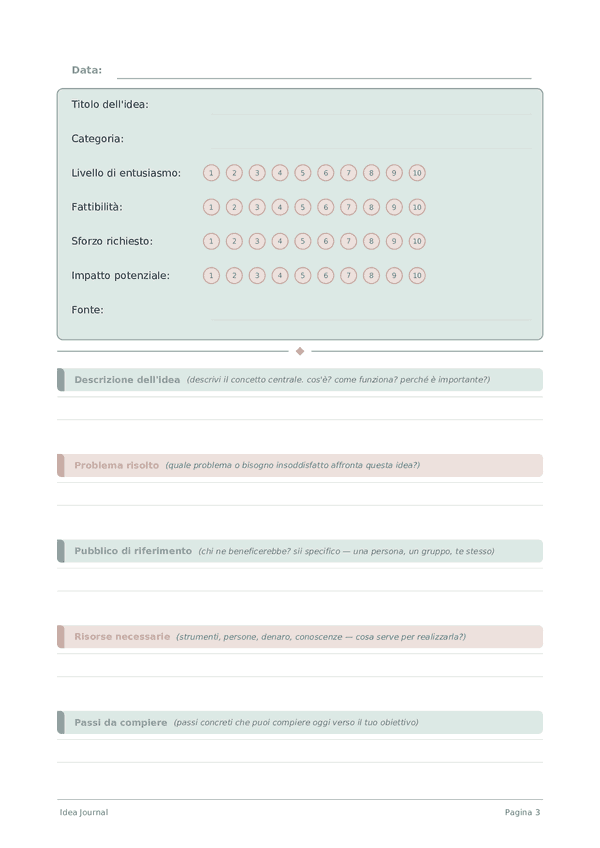
Diario delle Idee
Cattura, valuta e sviluppa le tue migliori idee
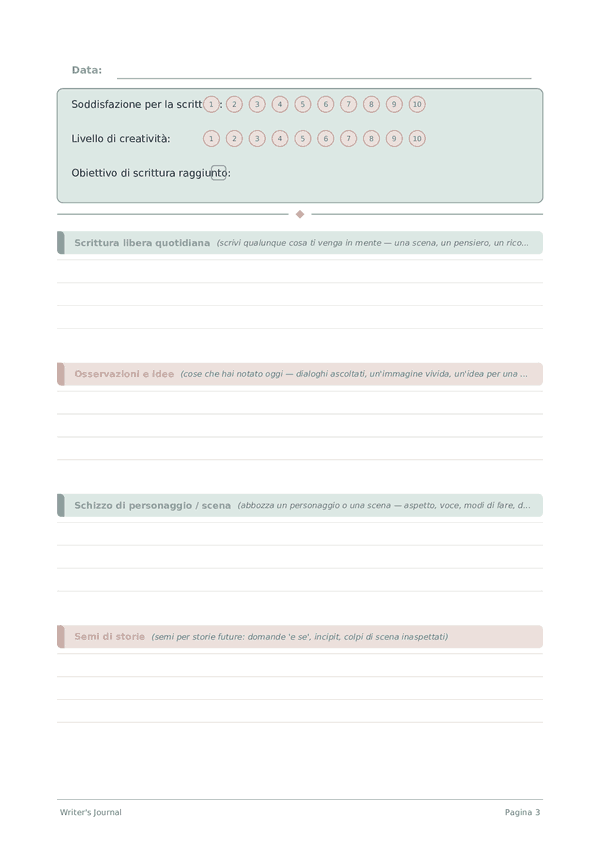
Diario dello Scrittore
Pratica quotidiana di scrittura creativa e sviluppo dell'arte
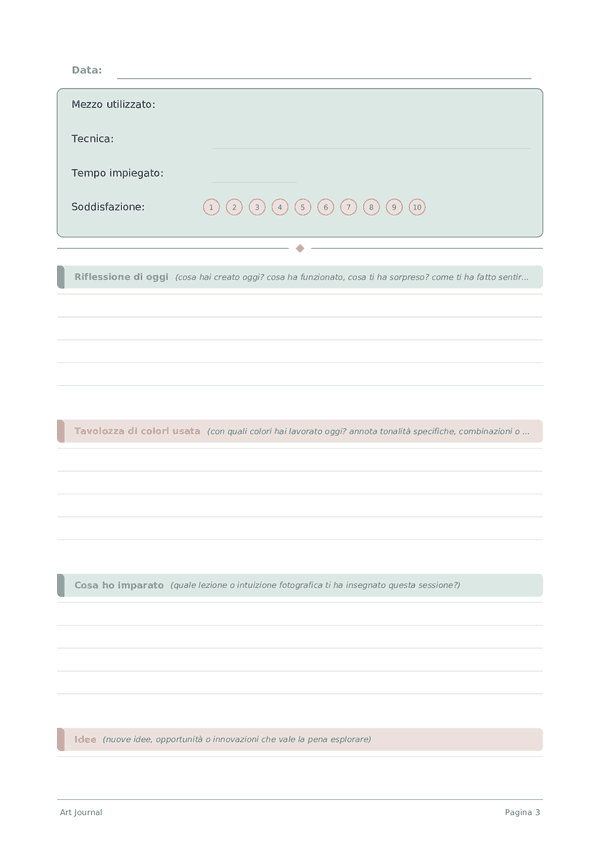
Diario d'Arte
Documenta il tuo processo creativo e la crescita artistica
Diario degli Schizzi
Pagine a griglia di punti aperte per schizzare, disegnare ed esplorare visivamente
Scorri per ingrandire, trascina per spostare