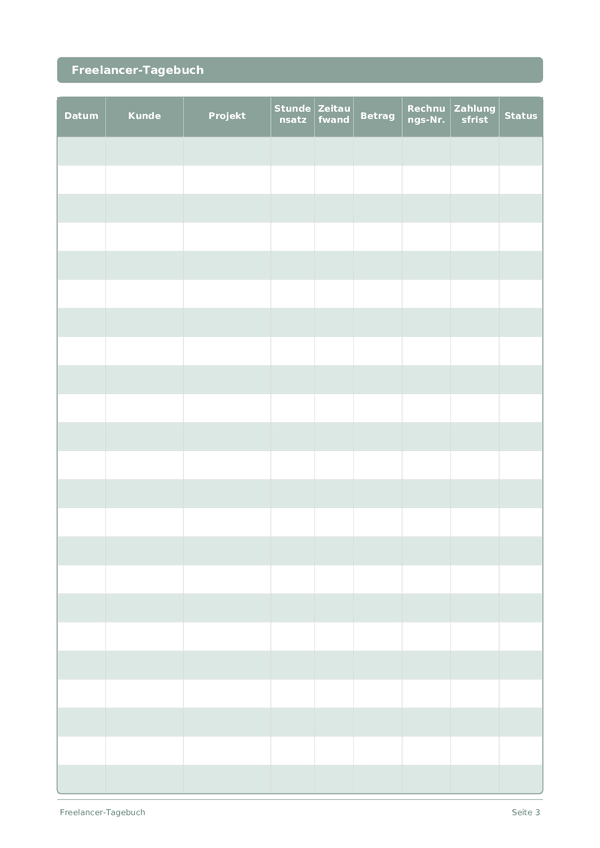
Printable Freelancer-Tagebuch
Kunden, Projekte, Stunden und Rechnungen an einem Ort verfolgen
The Freelance Journal is a structured work log for independent professionals. Record every client engagement, project, hours worked, invoiced amount, and payment status in one organized table. Whether you are a designer, developer, writer, or consultant, this journal helps you stay on top of your workload and cash flow without complex software.
Felder anpassen
Schalten Sie Felder ein oder aus. Klicken Sie auf den Stift zum Umbenennen oder fügen Sie eigene Felder hinzu.
Vorteile
Anleitung
Was ist dieses Journal?
A Freelance Journal is your financial command center for independent work. Each row logs the date, client, project, hourly rate, time spent, amount earned, invoice number, payment due date, and status. By keeping everything in one structured log, you always know exactly where your income stands — who owes you money, which projects are most profitable, and where your time actually goes.
Freelancing without organized records is a recipe for missed invoices, underpriced work, and tax-season panic. This journal solves all three problems. When you can see at a glance that Client A pays more per hour than Client B but takes twice as long to pay, you make better business decisions. When tax time arrives, your records are already in order.
Log every work session as it happens — even fifteen-minute blocks add up. Update the status column as invoices move from Draft to Sent to Paid. At the end of each month, review the log to calculate your effective hourly rate per client and identify which types of projects deserve more of your time.
Ausgefülltes Beispiel
So sieht ein typischer Eintrag aus, wenn er ausgefüllt ist:
| Datum | Kunde | Projekt | Stundensatz | Zeitaufwand | Betrag | Rechnungs-Nr. | Zahlungsfrist | Status |
|---|---|---|---|---|---|---|---|---|
| 2025-01-06 | Riverside Marketing | Brand refresh | 85 | 4.5 | 382.5 | INV-2025-012 | 2025-02-05 | Sent |
| 2025-01-07 | TechStart LLC | Landing page design | 95 | 6 | 570 | INV-2025-013 | 2025-02-06 | Draft |
| 2025-01-07 | Riverside Marketing | Brand refresh | 85 | 3 | 255 | INV-2025-012 | 2025-02-05 | Sent |
| 2025-01-08 | Bloom & Co | Social media templates | 75 | 5 | 375 | INV-2025-014 | 2025-02-07 | Paid |
| 2025-01-08 | TechStart LLC | Landing page design | 95 | 2.5 | 237.5 | INV-2025-013 | 2025-02-06 | Draft |
Wie Sie jedes Feld ausfüllen
Jede Seite ist eine Tabelle mit Spalten. Füllen Sie pro Eintrag eine Zeile aus. Hier erfahren Sie, wofür jede Spalte gedacht ist:
Datum
Schreiben Sie das heutige Datum. Dies verankert Ihren Eintrag in der Zeit und hilft beim späteren Durchsehen der Einträge.
Kunde
Kundenname oder Firma
Projekt
Projektname oder Aufgabenbeschreibung
Stundensatz
Dein Stundensatz für dieses Projekt in Euro
Zeitaufwand
Wie lange hast du gelernt?
Betrag
Erfassen Sie den Betrag für diesen Eintrag. Seien Sie präzise — Rundungen erzeugen Ungenauigkeiten, die sich über die Zeit summieren.
Rechnungs-Nr.
Rechnungsnummer (z.B. RE-001)
Zahlungsfrist
Wann die Zahlung vom Kunden fällig ist
Status
Beworben, Telefoninterview, Vorstellungsgespräch, Angebot, Absage, Zurückgezogen...
Tipps für den Erfolg
Wann und wie oft schreiben
Update your freelance log at the end of every working day — record hours, tasks completed, and any invoices sent or payments received. This takes 5 minutes and prevents the end-of-month scramble to reconstruct your hours. Weekly, review your pipeline: upcoming deadlines, pending invoices, and capacity for new work. Monthly, calculate your effective hourly rate (total income divided by total hours including non-billable), review client profitability, and plan your acquisition efforts for the next month.
Häufig gestellte Fragen
Warum jede Sitzung in einer Zeile statt nur fakturierter Summen erfassen?
Eintragungen pro Sitzung enthüllen den effektiven Stundensatz, der vom angebotenen stundensatz abweicht. Die amerikanische U.S. Bureau of Labor Statistics (2023, American Time Use Survey) dokumentiert, dass selbstständige Arbeit oft unbezahlte Stunden enthält. Die Erfassung von zeitaufwand gegen amount in jeder Zeile deckt Scope Creep auf, bevor er ein Projekt verschlingt, und liefert verteidigbare Aufzeichnungen, falls ein Kunde eine Rechnung anzweifelt.
Wie nutze ich rechnungs-Nr. und zahlungsfrist für den Cashflow?
Nummerieren Sie Rechnungen fortlaufend (INV-001) zur steuerlichen Untermauerung und setzen Sie zahlungsfrist gemäss vereinbarten Konditionen - Net-15, Net-30. Die IRS (Publication 334, 'Tax Guide for Small Business') (in Deutschland: Finanzamt-Vorgaben, GoBD) verlangt von Selbstständigen organisierte Einkommensaufzeichnungen. Die beiden Spalten zusammen erlauben das wöchentliche Scannen und das Erkennen jeder Zeile, deren Status nach Fälligkeit unbezahlt ist.
Welche Statuswerte halten das Journal zur Steuerzeit nützlich?
Verwenden Sie eine kleine Menge: Entwurf, Fakturiert, Bezahlt, Überfällig, Ausstehend, Storniert. Die IRS (Publication 334, 'Tax Guide for Small Business') verlangt von Selbstständigen Aufzeichnungen, die ausreichen, um Einkommen und Ausgaben zu bestimmen. Konsistente Statuswerte erlauben es, bezahlte Zeilen jährlich für die Einkommensermittlung zu summieren und überfällige Zeilen zu identifizieren, die zum Jahresende Abschreibung oder Inkasso brauchen.
Wie vergleicht sich dieses Journal mit QuickBooks oder FreshBooks?
Software erledigt Automatisierung; dieses Journal erledigt Bewusstsein. Die IRS (Publication 583, 'Starting a Business and Keeping Records') (in Deutschland: GoBD) akzeptiert jedes Aufzeichnungssystem, das Einkommen und Ausgaben vollständig erfasst. Viele Freelancer nutzen beides - Software für Rechnungen und Steuererklärung, Journal für die reflektierende Disziplin, stundensatz, zeitaufwand und status in jeder Zeile zu sehen, was Scope Creep auffängt, den Automatisierung verbirgt.
Soll ich unfakturierte oder Pro-Bono-Arbeit einbeziehen?
Ja, mit stundensatz auf null markiert oder mit Notiz. Die IRS (Publication 334, 'Tax Guide for Small Business') verlangt nicht, unbezahlte Arbeit für die Einkommensteuer zu erfassen, aber das Tracking offenbart die wahren Kundenkosten. Viele Freelancer unterschätzen Überarbeitungen, Anrufe und Admin - das Festhalten von zeitaufwand auf diesen Zeilen liefert ehrliche Daten zur Neukalkulation oder Ablehnung künftiger ähnlicher Arbeit.
Wie verfolge ich mehrere Projekte pro Kunde?
Verwenden Sie eine separate Zeile pro Projekt statt pro Kunde. Die neun Spalten - date, client, project, stundensatz, zeitaufwand, amount, rechnungs-Nr., zahlungsfrist, status - fassen verschiedene Projektzeilen unter einem Kundennamen. Die IRS (Publication 583, 'Starting a Business and Keeping Records') verlangt Aufzeichnungen, die detailliert genug sind, um jede Einkommensposition separat zu untermauern, was Zeile-pro-Projekt unterstützt.
Was ist der häufigste Buchhaltungsfehler im Freelance?
Das Verwechseln von fakturiertem Betrag mit einkassiertem Betrag. Die IRS (Publication 334, 'Tax Guide for Small Business') stellt fest, dass Kassen-Steuerpflichtige Einkommen bei Erhalt melden, nicht bei Fakturierung. Das gewissenhafte Pflegen der Spalte status - das Verschieben von Zeilen von Fakturiert zu Bezahlt erst beim Geldeingang - hält Steuerzahlen ehrlich und legt überfällige Zeilen offen, bevor sie zu Forderungsausfällen werden.
Wie oft soll ich das Journal überprüfen?
Wöchentlich, um überfällige Zeilen zu erfassen, monatlich für Cashflow und Kundenmix, vierteljährlich für Steuern. Die IRS (Publication 505, 'Tax Withholding and Estimated Tax') verlangt von Selbstständigen vierteljährliche Steuervorauszahlungen, was Quartalssummen praktisch nicht optional macht (in Deutschland: vierteljährliche Umsatzsteuer-Voranmeldung). Mit 15 Zeilen pro Seite braucht ein typischer Solo-Freelancer ein bis zwei Seiten monatlich.
Das könnte Ihnen auch gefallen
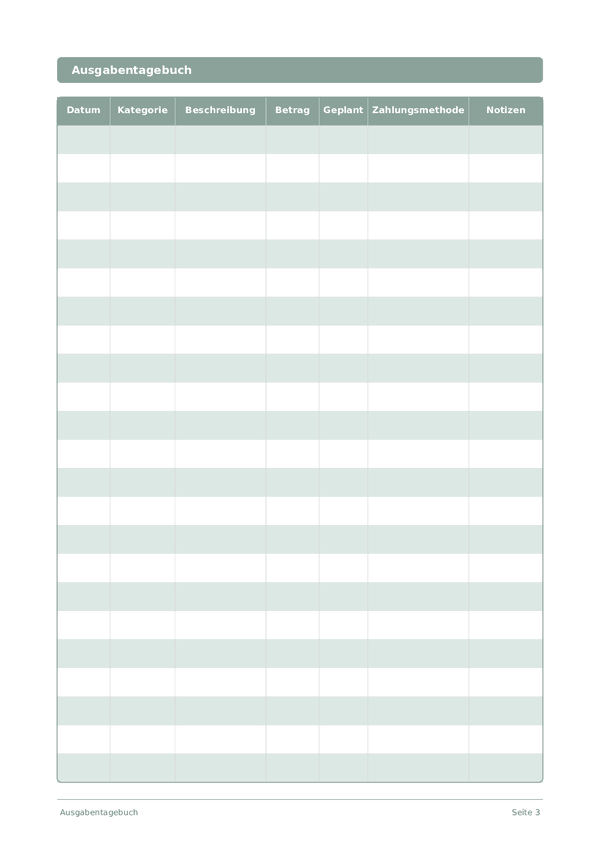
Ausgabentagebuch
Jeden Euro verfolgen und die Kontrolle über Ihre Finanzen übernehmen
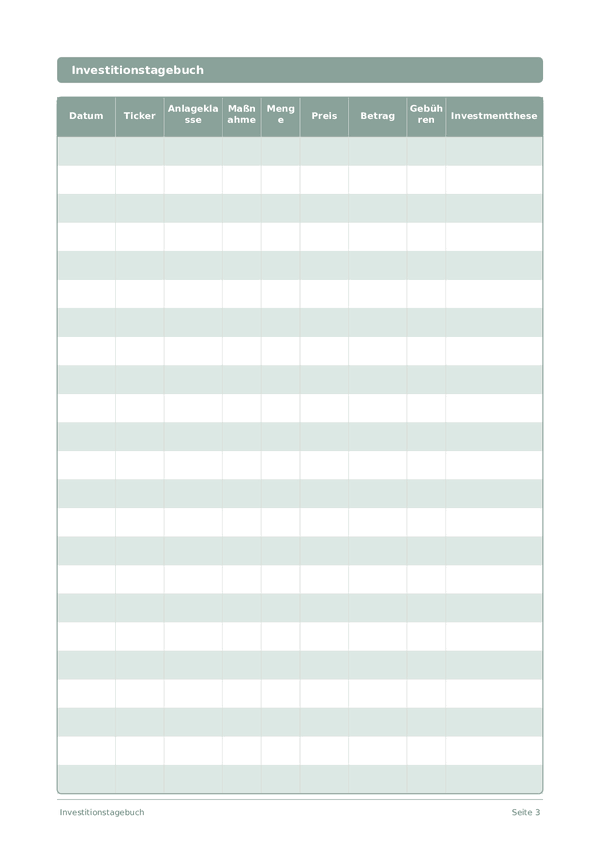
Investitionstagebuch
Trades verfolgen, Entscheidungen analysieren und Ihr Portfolio aufbauen
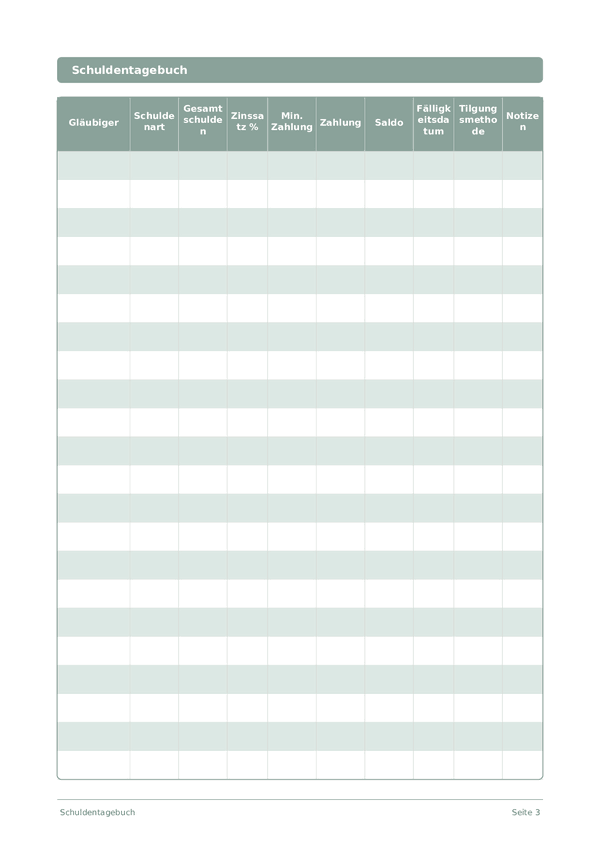
Schuldentagebuch
Schulden verfolgen und mit einer klaren Tilgungsstrategie abbauen
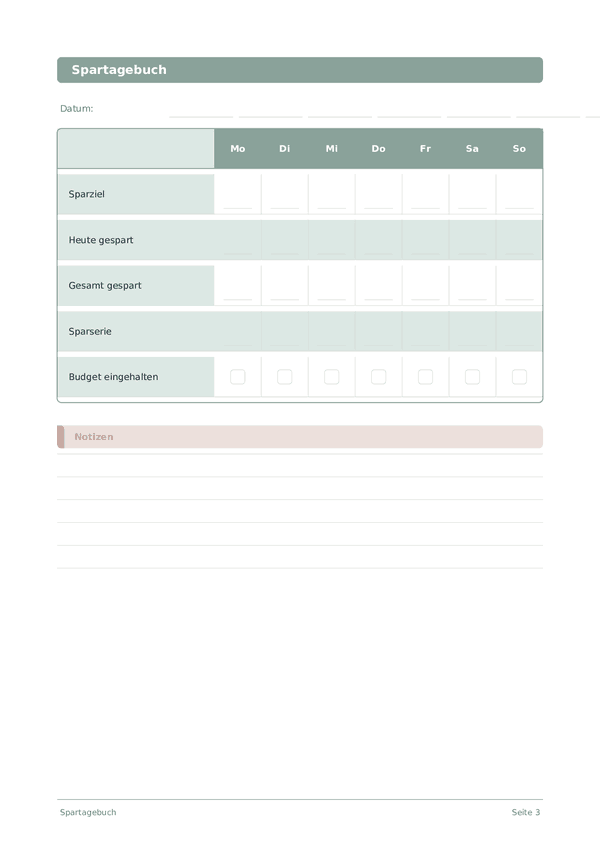
Spartagebuch
Tägliche Spargewohnheiten verfolgen und auf Ihre finanziellen Ziele hinarbeiten
Scrollen zum Zoomen, ziehen zum Bewegen