Printable Journal de freelance
Suivez vos clients, projets, heures et factures en un seul endroit
The Freelance Journal is a structured work log for independent professionals. Record every client engagement, project, hours worked, invoiced amount, and payment status in one organized table. Whether you are a designer, developer, writer, or consultant, this journal helps you stay on top of your workload and cash flow without complex software.
Personnaliser les champs
Activez ou désactivez les champs. Cliquez sur le crayon pour renommer, ou ajoutez vos propres champs.
Avantages
Comment utiliser
Qu'est-ce que ce journal ?
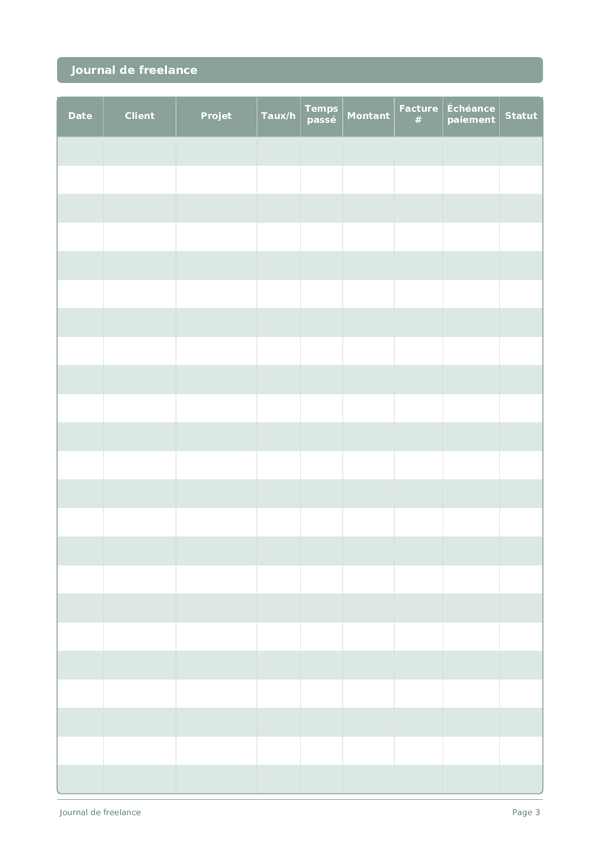
A Freelance Journal is your financial command center for independent work. Each row logs the date, client, project, hourly rate, time spent, amount earned, invoice number, payment due date, and status. By keeping everything in one structured log, you always know exactly where your income stands — who owes you money, which projects are most profitable, and where your time actually goes.
Freelancing without organized records is a recipe for missed invoices, underpriced work, and tax-season panic. This journal solves all three problems. When you can see at a glance that Client A pays more per hour than Client B but takes twice as long to pay, you make better business decisions. When tax time arrives, your records are already in order.
Log every work session as it happens — even fifteen-minute blocks add up. Update the status column as invoices move from Draft to Sent to Paid. At the end of each month, review the log to calculate your effective hourly rate per client and identify which types of projects deserve more of your time.
Exemple rempli
Voici à quoi ressemble une entrée typique une fois remplie :
| Date | Client | Projet | Taux/h | Temps passé | Montant | Facture # | Échéance paiement | Statut |
|---|---|---|---|---|---|---|---|---|
| 2025-01-06 | Riverside Marketing | Brand refresh | 85 | 4.5 | 382.5 | INV-2025-012 | 2025-02-05 | Sent |
| 2025-01-07 | TechStart LLC | Landing page design | 95 | 6 | 570 | INV-2025-013 | 2025-02-06 | Draft |
| 2025-01-07 | Riverside Marketing | Brand refresh | 85 | 3 | 255 | INV-2025-012 | 2025-02-05 | Sent |
| 2025-01-08 | Bloom & Co | Social media templates | 75 | 5 | 375 | INV-2025-014 | 2025-02-07 | Paid |
| 2025-01-08 | TechStart LLC | Landing page design | 95 | 2.5 | 237.5 | INV-2025-013 | 2025-02-06 | Draft |
Comment remplir chaque champ
Chaque page est un tableau avec des colonnes. Remplissez une ligne par entrée. Voici à quoi sert chaque colonne :
Date
Inscrivez la date du jour. Cela ancre votre entrée dans le temps et aide lors de la relecture ultérieure.
Client
Nom du client ou de l'entreprise
Projet
Nom du projet ou description de la tâche
Taux/h
Votre taux horaire pour ce projet en dollars
Temps passé
Combien de temps avez-vous étudié ?
Montant
Enregistrez le montant de cette entrée. Soyez précis — les arrondis créent des inexactitudes qui s'accumulent avec le temps.
Facture #
Numéro de référence de la facture (ex. INV-001)
Échéance paiement
Date d'échéance du paiement par le client
Statut
Candidature envoyée, Entretien téléphonique, Entretien, Offre, Refus, Désistement...
Conseils pour réussir
Quand et à quelle fréquence écrire
Update your freelance log at the end of every working day — record hours, tasks completed, and any invoices sent or payments received. This takes 5 minutes and prevents the end-of-month scramble to reconstruct your hours. Weekly, review your pipeline: upcoming deadlines, pending invoices, and capacity for new work. Monthly, calculate your effective hourly rate (total income divided by total hours including non-billable), review client profitability, and plan your acquisition efforts for the next month.
Questions fréquentes
Pourquoi consigner chaque session dans une ligne plutôt que les totaux facturés ?
Les entrées par session révèlent le taux horaire effectif, qui diffère du taux/h déclaré. Enregistrer temps passé contre amount sur chaque ligne expose le dépassement de périmètre avant qu'il ne consomme un projet, et vous donne des justificatifs défendables si un client conteste une facture.
Comment utiliser les colonnes facture # et Échéance paiement pour la trésorerie ?
Numérotez les factures séquentiellement (FAC-001) et fixez Échéance paiement selon les conditions convenues — 15 jours, 30 jours. En France, la DGFiP exige des travailleurs indépendants des registres de revenus organisés. Les deux colonnes ensemble permettent de parcourir la page chaque semaine et d'identifier toute ligne dont le statut est impayé après l'échéance.
Quelles valeurs de status gardent le carnet utile à la déclaration fiscale ?
Utilisez un petit ensemble : Brouillon, Facturé, Payé, En retard, En attente, Annulé. Des valeurs de statut cohérentes permettent de totaliser annuellement les lignes Payé pour les revenus et d'identifier les lignes En retard nécessitant une provision ou une action de recouvrement en fin d'année fiscale.
Comment ce carnet se compare-t-il à QuickBooks ou à un logiciel de facturation ?
Les logiciels gèrent l'automatisation ; ce carnet gère la conscience. La DGFiP accepte tout système d'enregistrement qui capture complètement les revenus et dépenses. Beaucoup de freelances utilisent les deux — logiciel pour les factures et la comptabilité, carnet pour la discipline réflexive de voir taux/h, temps passé et status sur chaque ligne, ce qui détecte les dérives de périmètre que l'automatisation masque.
Dois-je inclure le travail non facturé ou pro bono ?
Oui, avec taux/h à zéro ou une note. La DGFiP n'exige pas de consigner le travail non rémunéré pour l'impôt sur le revenu, mais le suivi révèle le coût réel d'un client. Beaucoup de freelances sous-estiment révisions, appels et administration — consigner temps passé sur ces lignes produit des données honnêtes pour repriser ou décliner des travaux similaires futurs.
Comment suivre plusieurs projets pour un même client ?
Utilisez une ligne par projet plutôt que par client. Les neuf colonnes — date, client, project, taux/h, temps passé, amount, facture #, Échéance paiement, status — accueillent des lignes de projets distinctes sous un même nom de client. Cela permet de justifier chaque poste de revenu séparément, comme l'exige la DGFiP.
Quelle est l'erreur comptable la plus courante en freelance ?
Confondre le montant facturé et le montant encaissé. En comptabilité de trésorerie, le revenu est déclaré à la réception, non à la facturation. Tenir la colonne status rigoureusement — passer les lignes de Facturé à Payé uniquement quand les fonds sont arrivés — maintient les chiffres fiscaux honnêtes et fait apparaître les lignes En retard avant qu'elles ne deviennent des créances irrécouvrables.
À quelle fréquence réviser le carnet ?
Hebdomadairement pour détecter les retards, mensuellement pour la trésorerie et le mix clients, trimestriellement pour les impôts. En France, les indépendants paient des cotisations et de la TVA trimestriellement, rendant les totaux trimestriels pratiques et non optionnels. Avec 15 lignes par page, un freelance solo consomme une ou deux pages par mois — assez petit pour une revue sans procrastination.
Vous aimerez aussi
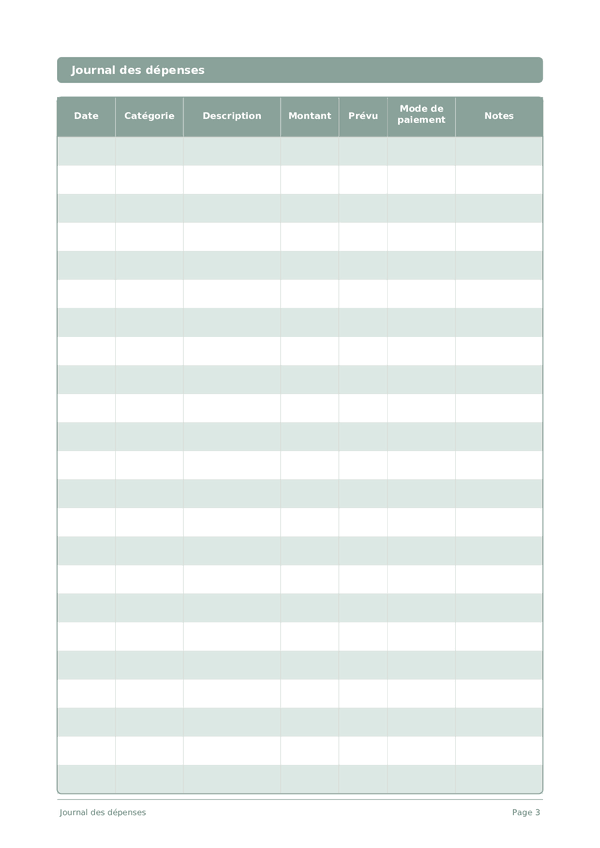
Journal des dépenses
Suivez chaque euro pour prendre le contrôle de vos finances
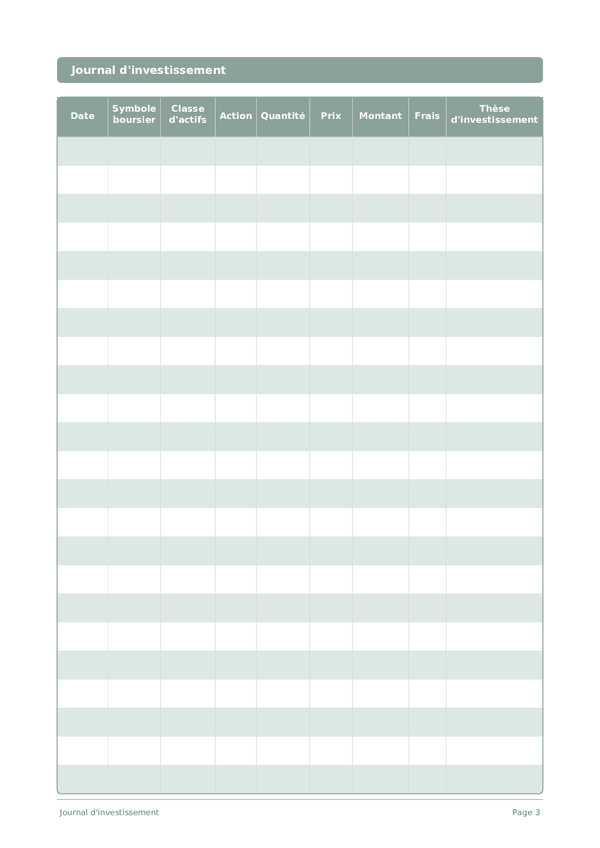
Journal d'investissement
Suivez vos transactions, analysez vos décisions et faites croître votre portefeuille
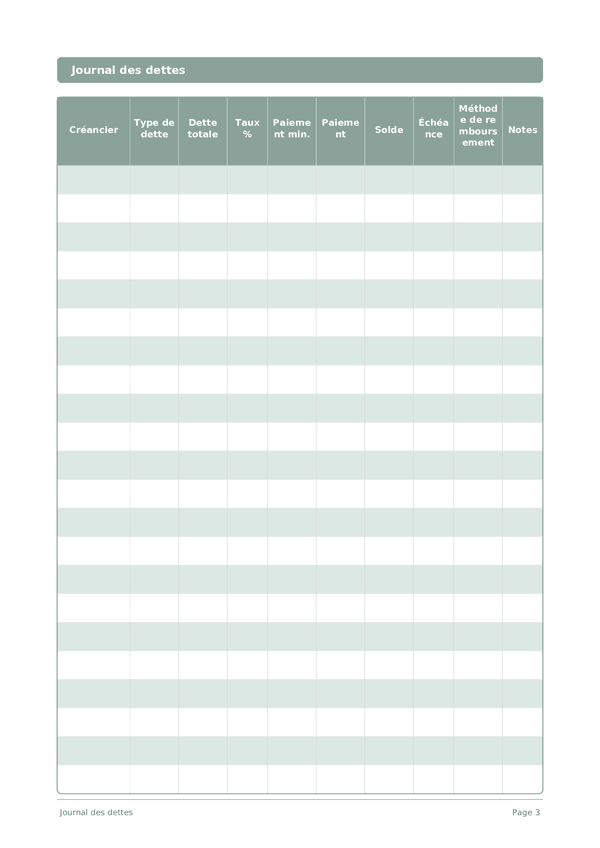
Journal des dettes
Suivez et éliminez vos dettes avec une stratégie de remboursement claire
Journal d'épargne
Suivez vos habitudes d'épargne quotidiennes et progressez vers vos objectifs financiers
Molette pour zoomer, glisser pour déplacer