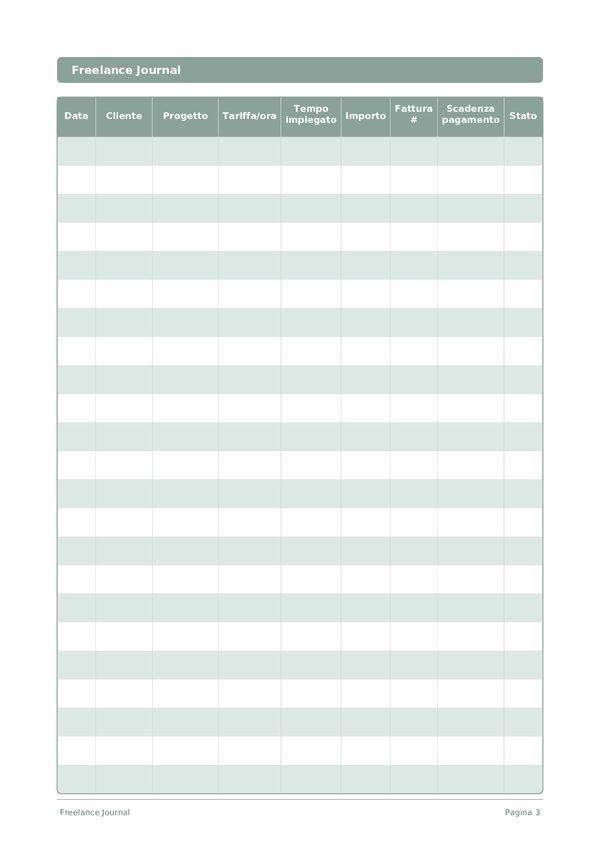
Printable Diario Freelance
Monitora clienti, progetti, ore e fatture in un unico posto
Personalizza campi
Attiva o disattiva i campi. Clicca la matita per rinominare, oppure aggiungi i tuoi campi.
Cos'è questo diario?
Questo è un diario a registro tabellare — ogni pagina contiene una tabella strutturata con colonne per registrare i dati. Perfetto per tenere traccia di spese, allenamenti, letture o qualsiasi attività che beneficia di voci organizzate e confrontabili.
Come compilare ogni campo
Ogni pagina è una tabella con colonne. Compila una riga per ogni voce. Ecco a cosa serve ogni colonna:
Data
Scrivi la data di oggi. Questo ancora la tua voce nel tempo e aiuta quando si rivedono le voci in seguito.
Cliente
Nome del cliente o dell'azienda
Progetto
Nome del progetto o descrizione del compito
Tariffa/ora
La tua tariffa oraria per questo progetto in euro
Tempo impiegato
Quanto tempo hai studiato?
Importo
Registra l'importo per questa voce. Sii preciso — gli arrotondamenti creano imprecisioni che si accumulano nel tempo.
Fattura #
Numero di riferimento della fattura (es. FAT-001)
Scadenza pagamento
Quando il pagamento è dovuto dal cliente
Stato
Candidato, Colloquio telefonico, Colloquio, Offerta, Rifiutato, Ritirato...
Consigli per il successo
Quando e con quale frequenza scrivere
Aggiungi voci man mano che gli eventi accadono durante il giorno. Per i registri finanziari, annota ogni transazione immediatamente. Per i registri di attività, compila dopo ogni sessione. Fai una revisione settimanale o mensile per analizzare i tuoi dati ed estrarre intuizioni.
Domande frequenti
Perché registrare ogni sessione in una riga invece di segnare solo i totali fatturati?
Le voci per sessione rivelano la tariffa oraria effettiva, che differisce dalla tariffa oraria indicata in offerta. Il Bureau of Labor Statistics degli Stati Uniti (2023, American Time Use Survey) documenta come il lavoro autonomo includa spesso ore non compensate. Registrare il tempo impiegato rispetto all'importo su ogni riga espone lo scope creep prima che consumi un progetto, e fornisce registri difendibili se un cliente mette in discussione una fattura.
Come uso le colonne numero fattura e data scadenza pagamento per la gestione del flusso di cassa?
Numera le fatture in sequenza (FAT-001) per la documentazione fiscale e imposta la data scadenza pagamento in base ai termini concordati — Net-15, Net-30. L'IRS (Publication 334, 'Tax Guide for Small Business') richiede ai lavoratori autonomi di conservare registri delle entrate organizzati. Le due colonne insieme ti permettono di scorrere la pagina ogni settimana e identificare le righe il cui stato è 'non pagato' oltre la scadenza.
Quali valori di stato rendono il diario utile in fase di dichiarazione fiscale?
Usa un set ridotto: Bozza, Fatturata, Pagata, Scaduta, In attesa, Annullata. L'IRS (Publication 334, 'Tax Guide for Small Business') richiede ai lavoratori autonomi registri sufficienti a determinare entrate e uscite. Valori di stato coerenti ti permettono di sommare le righe Pagata annualmente per il reddito da lavoro autonomo e identificare le righe Scaduta che potrebbero richiedere una svalutazione o un'azione di recupero a fine anno.
Come si confronta questo diario con QuickBooks o FreshBooks?
Il software gestisce l'automazione; questo diario gestisce la consapevolezza. L'IRS (Publication 583, 'Starting a Business and Keeping Records') accetta qualsiasi sistema di registrazione che catturi completamente entrate e uscite. Molti freelance usano entrambi — il software per le fatture e la dichiarazione fiscale, il diario per la disciplina riflessiva di vedere tariffa oraria, tempo impiegato e stato su ogni riga, il che individua lo scope creep che l'automazione nasconde.
Dovrei includere il lavoro non fatturato o pro bono?
Sì, con la tariffa oraria marcata come zero o con una nota. L'IRS (Publication 334, 'Tax Guide for Small Business') non richiede la registrazione del lavoro non compensato ai fini fiscali, ma il monitoraggio rivela il costo reale per il cliente. Molti freelance sottostimano revisioni, chiamate e attività amministrative — registrare il tempo impiegato su queste righe produce dati onesti per ricalibrare i prezzi o rifiutare lavori simili in futuro.
Come tengo traccia di più progetti per lo stesso cliente?
Usa una riga per progetto invece che per cliente. Le nove colonne — data, cliente, progetto, tariffa oraria, tempo impiegato, importo, numero fattura, data scadenza pagamento, stato — ospitano righe di progetto distinte sotto il nome di un unico cliente. L'IRS (Publication 583, 'Starting a Business and Keeping Records') richiede registri abbastanza dettagliati da giustificare ogni voce di reddito separatamente, il che è supportato dall'approccio una-riga-per-progetto.
Qual è l'errore contabile più comune per i freelance?
Confondere l'importo fatturato con quello incassato. L'IRS (Publication 334, 'Tax Guide for Small Business') precisa che i contribuenti in regime di cassa riportano il reddito quando viene ricevuto, non quando viene fatturato. Aggiornare la colonna stato in modo rigoroso — spostando le righe da Fatturata a Pagata solo quando i fondi sono accreditati — mantiene i numeri fiscali corretti e fa emergere le righe Scaduta che richiedono un follow-up prima che diventino crediti inesigibili.
Con quale frequenza dovrei rivedere il diario?
Settimanalmente per individuare le righe scadute, mensilmente per il flusso di cassa e il mix di clienti, trimestralmente per le imposte. L'IRS (Publication 505, 'Tax Withholding and Estimated Tax') richiede ai lavoratori autonomi di pagare le imposte stimate trimestralmente, rendendo i totali trimestrali pratici e non opzionali. Con 15 righe per pagina, un freelance autonomo tipico ha bisogno di una o due pagine al mese — abbastanza piccolo da rivedere senza procrastinare.
Potrebbe piacerti anche
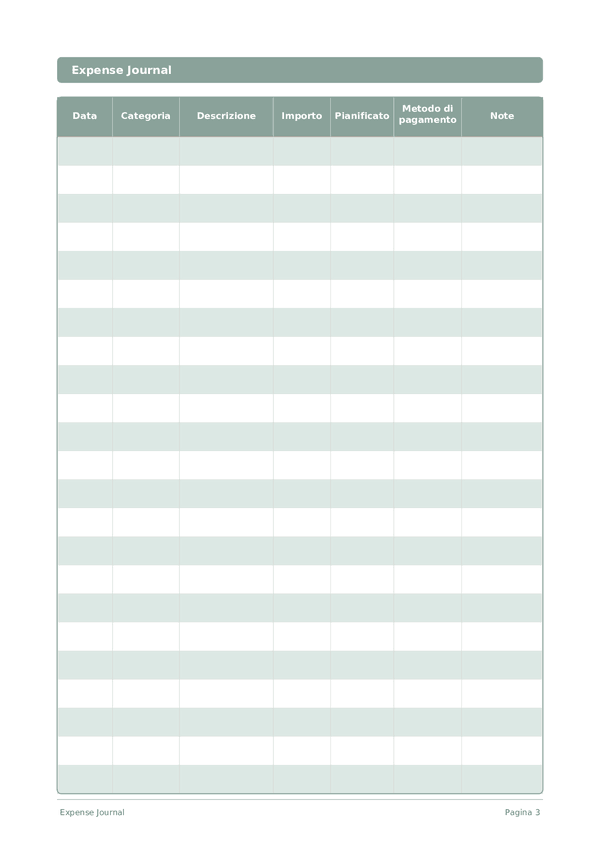
Diario delle Spese
Monitora ogni euro per prendere il controllo delle tue finanze
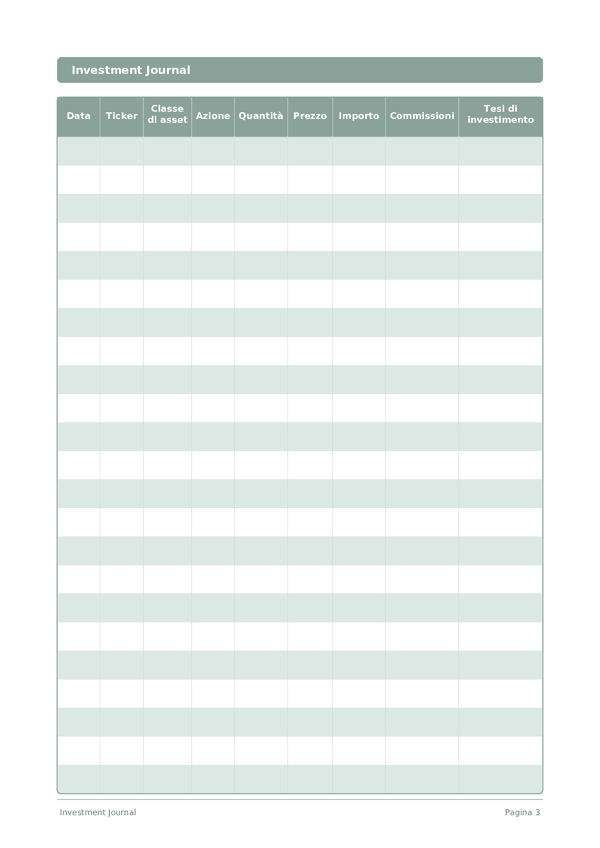
Diario degli Investimenti
Monitora le operazioni, analizza le decisioni e fai crescere il tuo portafoglio
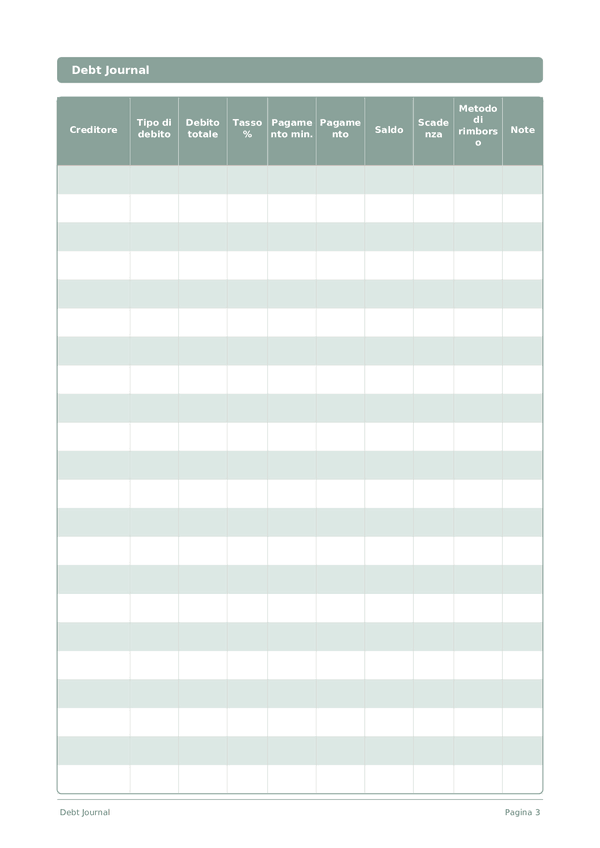
Diario dei Debiti
Monitora ed elimina i debiti con una chiara strategia di rimborso
Diario del Risparmio
Monitora le abitudini di risparmio quotidiane e avanzati verso i tuoi obiettivi finanziari
Scorri per ingrandire, trascina per spostare